Key Takeaways
- My Molina portal provides 24/7 online access to manage key tasks like viewing ID cards, checking benefits, searching for doctors, and selecting a primary care provider without lengthy phone calls.
- Before your first visit with a selected PCP, call the doctor's office directly to confirm they accept new patients and still take your Molina plan, as provider directories can become outdated.
- My Molina cannot guarantee coverage for specific services or replace medical advice; always verify referrals, prior authorization, and out-of-pocket costs with Member Services or plan documents in writing when possible.
- Registering for My Molina requires only your member ID card, date of birth, ZIP code, email, and a secure password; if registration fails, call Member Services for assistance.
- Choose a PCP based on access to same-day/virtual visits, preventive care focus, online messaging capability, and communication style—not just directory listing—to improve health outcomes and coordination.
- Keep a digital copy of your member ID card on your phone, schedule preventive visits early in the plan year, and review benefits annually to maximize coverage and catch billing errors quickly.
Managing health insurance should not feel like a second job. Yet many members struggle to find a doctor, print an ID card, or confirm a benefit without a long phone call. If you have a Molina plan, the My Molina portal can solve many of those problems in a few minutes. For busy professionals, young families, and anyone who prefers digital tools, it offers a fast way to handle plan tasks.
This guide explains how my Molina healthcare access works, what you can do inside the portal and app, and how to use it to choose a primary care provider. You will also learn what the tool cannot do, so you avoid costly surprises. Used well, it supports one of the most important steps in preventive health: building a lasting relationship with a primary care team.
What Is My Molina Healthcare?
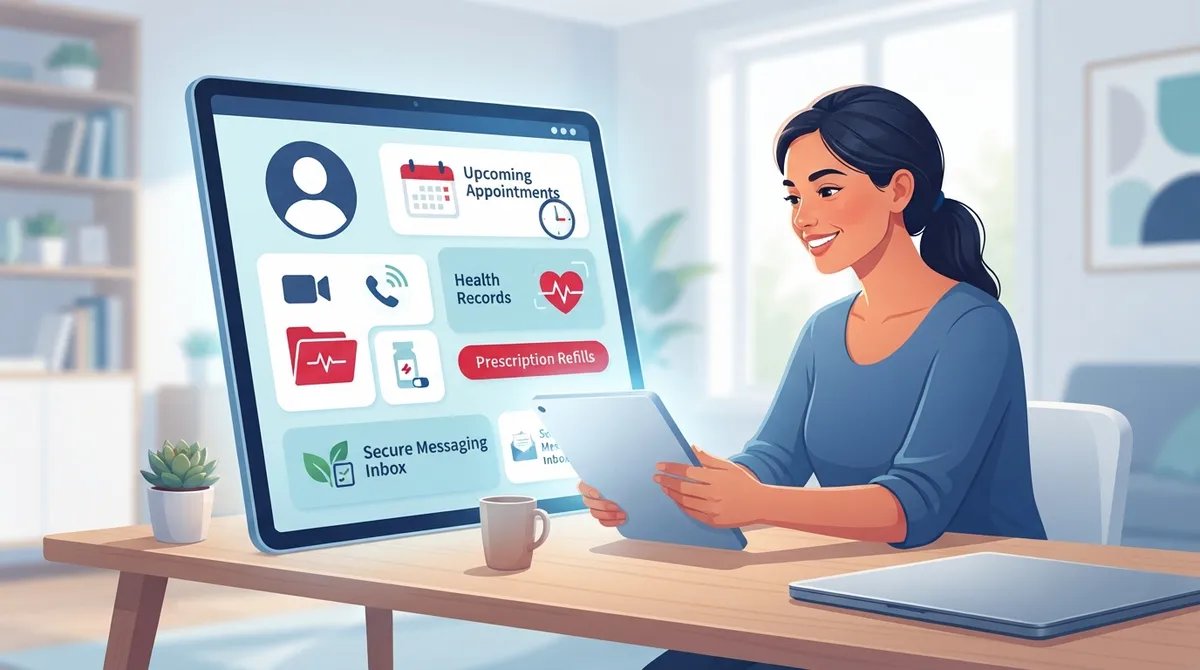
My Molina is Molina Healthcare's member portal. It also has a mobile app that offers many of the same functions. According to Molina's member resources page, the portal is available 24 hours a day, 7 days a week. That refers to online access, not live phone support.
Molina Healthcare's FY2025 annual report states that the company served about 5.5 million members across 21 states as of December 31, 2025. That includes roughly 4.568 million Medicaid members, 262,000 Medicare members, and 655,000 Marketplace members. These numbers describe plan enrollment, not portal users. Still, they show how many people rely on Molina coverage for everyday care.
Features can vary by state, plan, and member eligibility. Always confirm what is available for your specific plan.
What Can You Do in the My Molina Portal and App?
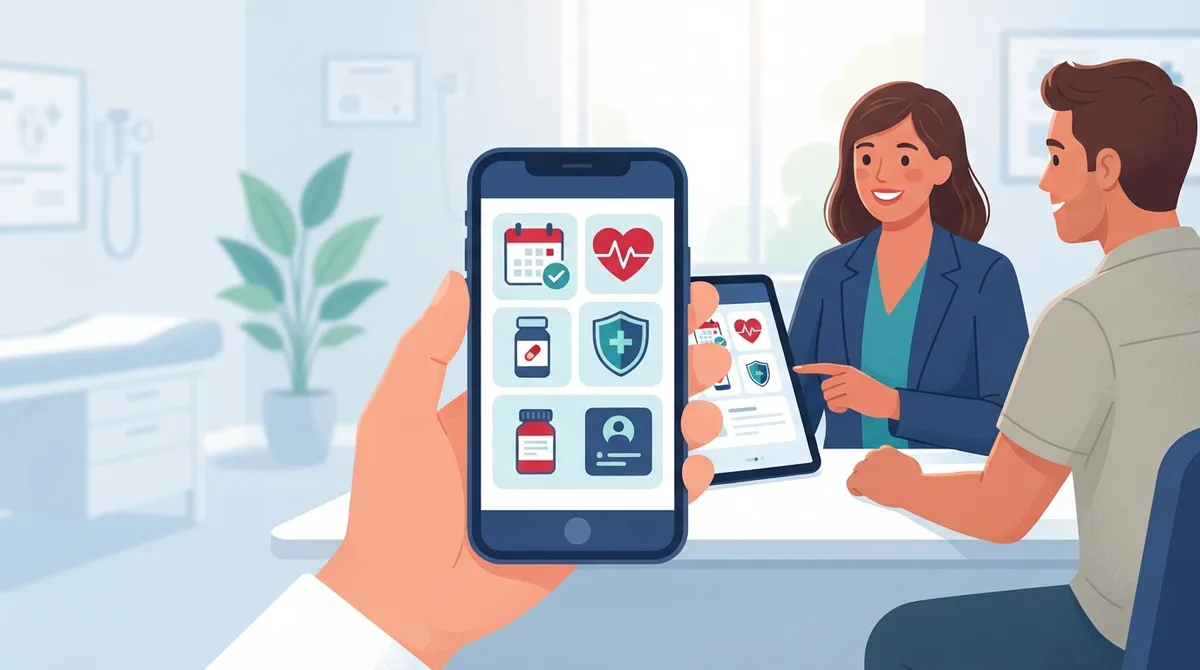
The portal works as an administrative and care-navigation tool. Most members can complete these common tasks:
- View, print, or request a replacement member ID card
- Check eligibility and benefits
- Review claims or service history
- Update contact information
- Search for in-network doctors and view provider details
- Select or change a primary care provider (PCP), where the plan allows it
- Find pharmacies and urgent care locations, where available
- Get directions or tap a call link from the app
Some versions also include more advanced features. Depending on your plan and state, you may see medical records, health assessments, care plans, health reminders, care-management contacts, and a 24-hour nurse advice line. Availability is plan-specific, so check your own account.
Features at a Glance
|
Feature |
What It Does |
Availability |
|---|---|---|
|
Member ID card |
View, print, or request a replacement |
Most plans |
|
Benefits and eligibility |
Confirm coverage details |
Most plans |
|
Claims history |
Review services and claims |
Most plans |
|
Provider search |
Find in-network doctors and details |
Most plans |
|
PCP selection or change |
Pick or switch your primary care provider |
Many plans |
|
Nurse advice line |
24-hour clinical guidance |
Plan-specific |
|
Health records and care plans |
Access assessments and reminders |
Plan-specific |
How Do You Register for a My Molina Account?
Registration is simple if you have your member ID card nearby. Molina's instructions generally follow this order:
- Go to the My Molina page on the Molina Healthcare website or open the mobile app.
- Choose the option to register or create an account.
- Enter your member ID, date of birth, and ZIP code from your ID card.
- Provide a valid email address.
- Create a secure password and confirm your details.
- Log in and review your account settings.
If you cannot register, call Member Services at the number printed on your card. Do not share your password or member ID with anyone you do not trust.
How Do You Log In and Fix Access Problems?
Once registered, log in with your email and password. If you cannot get in, try these steps:
- Use the password reset option on the login page
- Check that your email address is typed correctly
- Confirm that your plan is still active
- Clear your browser cache or update the app
- Call Member Services using the number on your ID card
Plan changes can also affect access. If your coverage recently changed, your account may need time to update.
How Do You Find or Change a Primary Care Provider?
A primary care provider, or PCP, is the doctor who knows your history and coordinates your care. Choosing the right one can improve prevention, speed up referrals, and reduce unneeded urgent visits. In many Molina plans, you can select or change your PCP through the portal or app.
Steps to Choose a PCP
- Log in and open the provider search tool.
- Filter by location, specialty, language, or office hours.
- Confirm that the provider is in your network.
- Read the provider details, including address and contact information.
- Select the provider as your PCP, if your plan allows it.
- Confirm the change with Molina if the plan's rules or timing are unclear.
Provider directories can change. Before your first visit, call the office and confirm that the doctor is accepting new patients and still takes your plan. Our guide on how to find doctors accepting new patients near you walks through that process.
What Should You Look for in a Primary Care Provider?
A name in the directory is only the start. Fit matters. Consider these points:
- Access: Are same-day or virtual visits available?
- Scope of care: Does the practice offer preventive screenings, chronic care, and urgent care?
- Technology: Can you message the office, view results, and book online?
- Prevention focus: Does the team look beyond the sick visit to long-term health?
- Communication: Do they explain your options in plain language?
These questions matter for every group of patients. Millennials often want virtual visits and digital tools. Young families need one office that can see parents and children. Women without an established primary care relationship may want wellness exams and screenings beyond reproductive care. For more help, read about signs you have found the right primary care practice.
How Do You Find Urgent Care and Pharmacies Through My Molina?
Where available, the portal and app let you search for urgent care centers and pharmacies. This helps when a minor illness or injury cannot wait for a regular appointment. Check that the location is in network before you go.
Know the difference between urgent and emergency care. Urgent care fits common problems such as flu, infections, minor cuts, and sprains. Emergencies, such as chest pain, trouble breathing, or severe bleeding, need a call to 911 or a trip to the nearest emergency room. My Molina is not a substitute for emergency services. To learn more about when urgent care is the right choice, see what urgent care services can treat.
What Are the Limits of My Molina?
The portal is a helpful tool, but it has limits. Keep these points in mind:
- It does not replace a clinician's advice.
- It does not guarantee coverage for a specific service.
- Referrals, prior authorization, and out-of-pocket costs must be verified in your plan documents or with Member Services.
- Directory details may be out of date, so call to confirm.
- Portal access means you can log in anytime, but live support hours may differ.
Before any major test or procedure, confirm coverage in writing when possible. A short call can prevent a large bill.
How Does a Primary Care Clinic Work With Your Plan?
Your insurance portal tells you what your plan covers. Your primary care clinic turns that coverage into real health results. A strong clinic checks your benefits, explains costs, and coordinates referrals. It also helps you use preventive services on time, such as screenings and wellness visits.
Preventive care is where primary care shines. Annual exams, cancer screenings, blood pressure checks, and lab work can catch problems early. See what happens during an annual physical exam to know what to expect. Also review how to make preventive care work for your health.
Coordinated care matters too. When one practice manages your records, medications, and referrals, you avoid gaps. Learn more in fragmented care vs. coordinated care.
Why Is InCare a Strong Choice for Primary Care in Tampa Bay?
If you live in the Tampa Bay area, you want a clinic that combines medical skill with modern technology. InCare offers primary care, urgent care, and cancer screening under one roof. The team also provides advanced wellness services, including medical weight loss, DNA gene testing, and IV hydration and vitamin drips.
InCare has locations in Tampa and Riverview, plus virtual visits for added convenience. The practice holds a 4.8 out of 5 rating on Google across 359 reviews. Patients often praise the friendly staff and the quality of care. You can see what our InCare patients say on Google and judge for yourself.
Because insurance details vary by plan, call the clinic before booking to confirm that your coverage is accepted. The front desk can walk you through your options. You can also meet the InCare providers and see our locations before your visit.
Practical Tips for Getting the Most From Your Plan
A few habits can make your coverage work harder for you:
- Keep a digital copy of your member ID card on your phone
- Review your benefits at the start of each plan year
- Schedule preventive visits early in the year
- Save your PCP's phone number and office hours
- Ask your doctor's office to verify referrals before specialist visits
- Check claims for errors and report them quickly
These steps take little time and can save money. They also help you stay on track with screenings and follow-ups.
Stay Connected With InCare
Healthy habits grow with community support. Follow InCare for wellness tips and updates on Facebook, Instagram, and TikTok.
Final Thoughts and Next Steps
My Molina healthcare tools help you manage the paperwork side of your coverage. You can print an ID card, check benefits, search for providers, and, in many plans, pick your PCP. Remember that features vary by plan and state, and that the portal does not replace medical advice or emergency care.
The portal gets you started, but a trusted primary care team keeps you healthy over time. If you are ready to build that relationship, Book Now with InCare for personalized, technology-driven care in Tampa and Riverview. Prefer to ask a question first? Contact our team and we will help you take the next step.
FAQs
Q: How do I log in to My Molina?
A: Go to the My Molina page on the Molina Healthcare website or open the mobile app, then enter your email and password. If you have not registered yet, use your member ID, date of birth, and ZIP code to create an account. If you cannot log in, call Member Services using the number on your ID card.
Q: How can I find or change my primary care provider with Molina?
A: Use the provider search tool in the portal or app to find in-network doctors and view their details. In many plans, you can select or change your PCP directly in your account. Confirm the change with Molina if the plan's rules or timing are unclear.
Q: How do I get a replacement Molina member ID card?
A: Log in to My Molina and choose the option to view, print, or request a replacement ID card. If you cannot access your account, call Member Services at the number on your card. Keep a digital copy on your phone for quick access.
Q: Can I check my Molina benefits, eligibility, and claims online?
A: Yes, most members can review benefits, eligibility, and claims or service history through the portal or app. Features vary by state and plan, so confirm costs, referrals, and prior authorization with Member Services or your plan documents.
Q: What should I do if I cannot access my My Molina account?
A: Try resetting your password, checking your email address, and updating the app or clearing your browser cache. If the problem continues, contact Member Services using the number on your member ID card. Recent plan changes may also delay account access.