

Key Takeaways
- Molina has no single national directory: networks and listings vary by state and plan, so always select your exact plan before searching.
- A directory listing does not guarantee network status, open appointments, or coverage; confirm with the office and Member Services before booking.
- Verify that the provider accepts your exact Molina plan, is accepting new patients, and whether referrals or prior authorization are required.
- When choosing a PCP, prioritize preventive focus, same-day or telehealth access, and services under one roof, not just sick visits.
Finding the right doctor should not feel like a puzzle. Yet for many Molina members, the first step, the Molina Healthcare provider search, can feel confusing. Networks differ by state. Plans differ by product. A doctor who is in-network last month may not be this month.
This guide walks you through the process in plain steps. You will learn where to start, which filters matter, and how to confirm a provider before you book. You will also learn how to pick a primary care provider (PCP) who supports prevention, not just sick visits.
Whether you are a busy parent, a young professional, or someone building a first relationship with a PCP, a smart search saves time and avoids surprise bills. Let's walk through it.
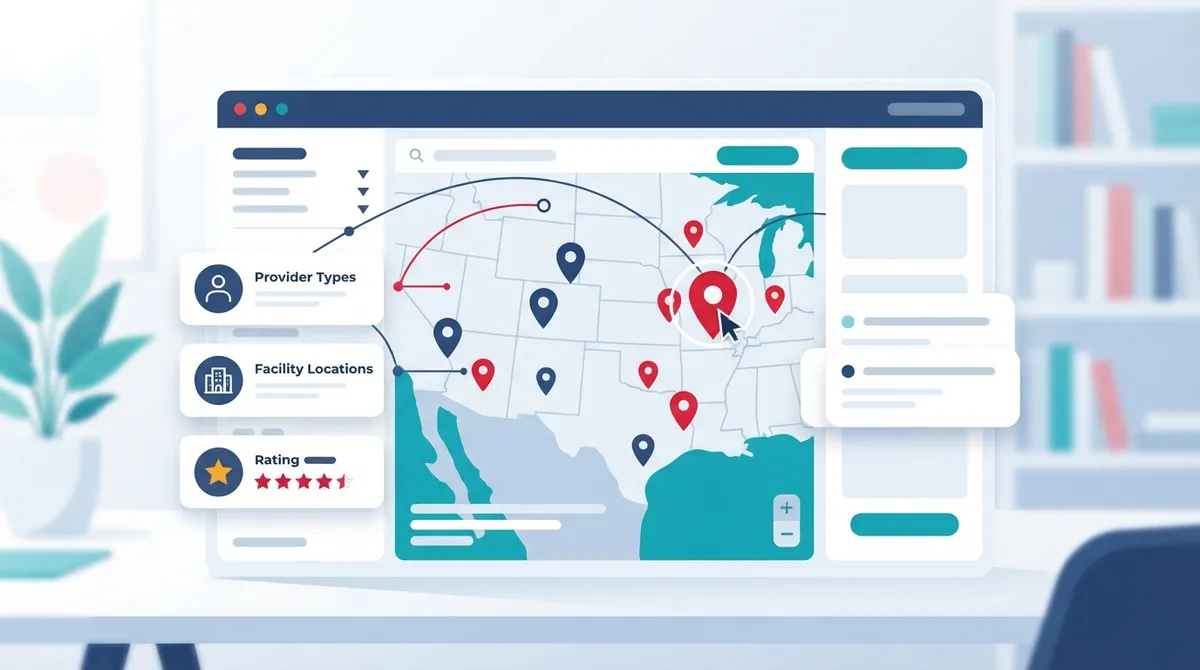
What the Molina Healthcare Provider Search Does
The Molina Healthcare provider search is an online directory. It helps members find in-network doctors, pharmacies, facilities, and other care providers. What you see depends on your state and your specific plan.
Molina does not run one national directory for everyone. Each state and product line has its own network. Medicaid, Medicare, and dual-eligible plans may each show different results. That is why starting on the right page matters.
Common Search Options
Most directories let you narrow results using several filters. Plan materials commonly describe the following:
- Provider name
- Specialty, such as family medicine or internal medicine
- Language spoken
- Location or distance from your address
- Office hours
- Provider gender
- Board-certification status
- Whether the provider is accepting new patients
Not every plan shows every filter. Features vary by product and state, so do not assume two Molina plans work the same way.
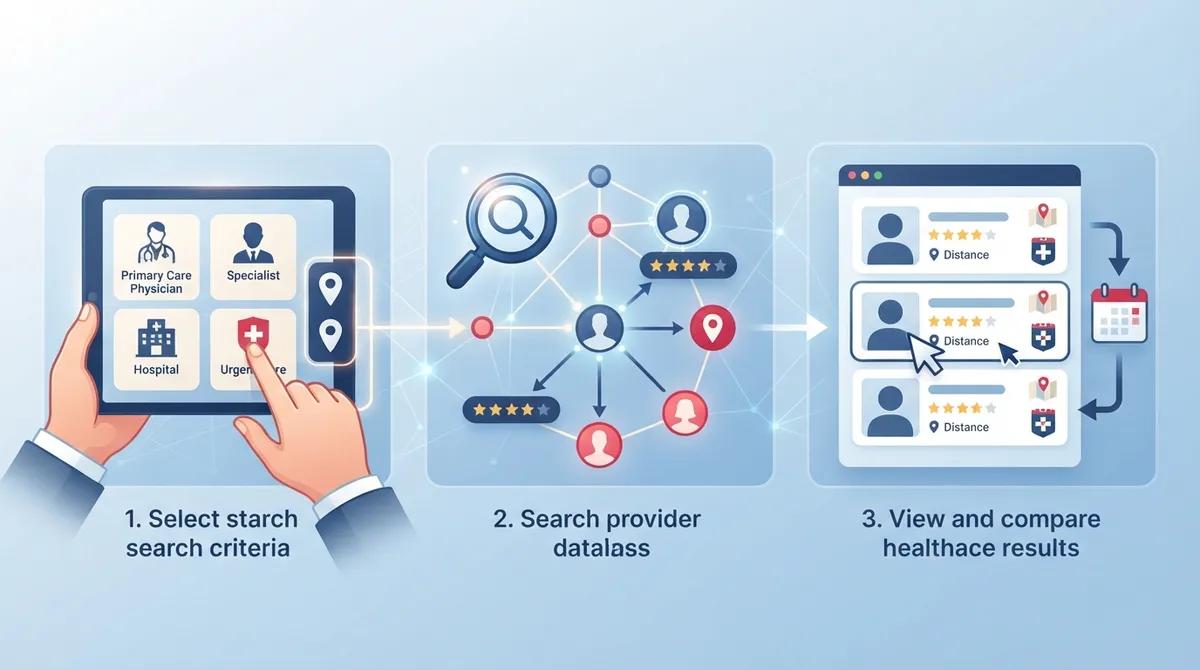
Step-by-Step: How to Run Your Search
Follow these steps to get accurate results the first time.
- Find your plan details. Check your Molina member ID card. Note your state, plan type, and Member Services number.
- Go to your state-specific directory. Start on Molina's Find a Provider page for your state and plan. This is the most reliable starting point.
- Select the correct plan. Choose Medicaid, Medicare, or the product listed on your card. The wrong selection can show providers outside your network.
- Enter your location. Use your home ZIP code or a spot near your workplace. Choose a distance that fits your routine.
- Pick a specialty. For routine care, search for primary care, family medicine, or internal medicine.
- Apply filters. Add language, gender, or new-patient status if those matter to you.
- Review the list and shortlist two or three options. Compare distance, hours, and credentials.
- Verify before booking. Call the office and Molina (see below).
Why Verification Matters
A directory listing is not a guarantee. It does not promise that a provider has open appointments. It does not promise that a service is covered. Directory data also has an as-of date. For example, Molina's 2026 Arizona Medicaid directory noted that its listings were current as of June 10, 2026. That shows data can change after publication.
Before you schedule, confirm these points:
- The provider participates in your exact Molina plan, not just "Molina" in general
- The provider is accepting new patients
- The office location and phone number are correct
- Any referral or prior authorization rules that apply to your plan
- Coverage for the specific service you need
This takes about ten minutes. It can save you from a denied claim or a wasted trip.
Using the My Molina Portal and App
Many members can also search through the My Molina member portal and mobile app. Depending on your plan and state, these tools may let you search for doctors and change your PCP.
Do not assume the public search and the member portal show identical features. Each plan can differ. If something looks missing, check the printed directory or call Member Services.
Phone and Print Options
Not everyone wants to search online. Molina offers state- and plan-specific downloadable or printable directories. Members who cannot use the internet can call the Member Services number on their ID card.
|
Plan Example |
Member Services (as listed in 2026 research) |
TTY/TDD |
|---|---|---|
|
Arizona Medicaid |
(800) 424-5891 |
711 |
|
New Mexico Medicaid |
(800) 869-7165 |
711 |
|
Medicare (quick-start guide) |
(888) 794-7268 |
711 |
These numbers differ across states and products. Always confirm the current number on your ID card or your plan's page.
How to Choose a Primary Care Provider
Your PCP is the center of your care. This is the doctor who handles checkups, screenings, vaccines, and ongoing conditions. A strong PCP relationship can catch problems early and keep care organized.
Rules about choosing a PCP, referrals, and access vary by product and state. Check your plan documents. Then use this checklist when comparing options:
- Preventive focus: Does the practice offer annual wellness visits and screenings?
- Access: Are same-day or next-day appointments available? Is telehealth offered?
- Services under one roof: Can you get labs, screenings, and urgent needs handled in one place?
- Communication: Does the office respond to calls and portal messages quickly?
- Fit: Do you feel heard? Does the doctor explain things clearly?
If you want more guidance, read how to choose the right primary care physician in Tampa Bay. It covers questions worth asking before your first visit.
Tips for Different Needs
Busy families: Look for extended hours, pediatric and adult care, and easy scheduling. Family primary care can keep everyone under one roof.
Tech-savvy adults: Ask about online booking, virtual visits, and digital records. Many patients prefer to manage care from a phone.
Young adults and first-time patients: If you have never had a PCP, start with a wellness visit. See what happens during an annual wellness visit so you know what to expect.
Women seeking whole-body care: Choose a practice that covers preventive screenings and general wellness, not only reproductive care.
What to Do If the Directory Is Wrong
Sometimes a listed doctor is not accepting patients, has moved, or is no longer in your network. Do not give up. Take these steps:
- Call the provider's office and ask directly about your Molina plan.
- Call Molina Member Services and report the error. Ask them to help find an available provider.
- Widen your search distance or change filters.
- Ask Member Services for a printed directory or a list of providers by phone.
- Save the date, time, and name of anyone you speak with.
If you are searching for a doctor who is taking new patients, this guide on finding doctors accepting new patients near you offers extra tips.
How to Change Your PCP
Life changes. You may move, or you may simply want a better fit. Many Molina members can change their PCP through the member portal or app. Others need to call Member Services. The exact steps depend on your plan and state.
When you switch, request your records from your old office. Our guide on requesting medical records in primary care explains how to do it smoothly. Bring a medication list to your first visit with the new doctor.
Check Coverage Before You Book Services
Finding an in-network provider is step one. Step two is making sure the service is covered. Coverage can depend on your plan's benefits, referral rules, and authorization requirements.
Ask these questions:
- Is this visit type covered under my plan?
- Do I need a referral or prior authorization?
- Are labs or screenings handled in-network?
- Is there a copay?
Write down the answers. If a claim is denied later, your notes help.
Where InCare Fits In
InCare is a personalized primary care and wellness clinic with locations in Tampa and Riverview, Florida. The practice combines modern technology with medical expertise. Services include primary care, urgent care, cancer screening, weight loss programs, and DNA gene testing. Virtual appointments are also available.
Patients rate InCare 4.8 out of 5 on Google across 359 reviews. You can see what InCare patients say on Google before you decide. Insurance participation varies, so always confirm with the office and your health plan before you schedule. For help finding the right fit, the guide on finding the best primary care near you in 2026 is a useful next read.
You can also follow InCare for health tips on Instagram, Facebook, and TikTok.
Quick Checklist Before You Book
|
Step |
What to Confirm |
|---|---|
|
1 |
Your state and plan type are selected correctly |
|
2 |
Provider appears in the directory for your plan |
|
3 |
Provider is accepting new patients |
|
4 |
Molina Member Services confirms network status |
|
5 |
Referral or authorization rules are understood |
|
6 |
Appointment type and benefits are verified |
Conclusion
A good Molina Healthcare provider search comes down to three habits: start with your state- and plan-specific directory, use filters that match your needs, and always verify before you book. Directory data changes, so a quick call protects your time and your wallet.
Once you find a PCP, build the relationship. Schedule a wellness visit, ask about screenings, and keep your records organized. Prevention is the best return on your time.
Ready to take the next step toward personalized care? Book your appointment with InCare today or contact our team with questions about services and insurance.
FAQs
Q: How do I search for a doctor who accepts Molina Healthcare?
A: Go to Molina's Find a Provider page for your state and plan. Enter your location, choose a specialty such as primary care, and apply filters like language or new-patient status. Then confirm with the office and Member Services before you book.
Q: How do I check whether a doctor is in my specific Molina plan network?
A: Select your exact plan in the directory, then call the provider's office and ask if they participate in that plan. You can also call the Member Services number on your ID card to verify network status. Directory data can change, so confirmation is important.
Q: Does a Molina provider directory listing mean the visit is covered?
A: No. A listing shows network participation only. It does not guarantee coverage, referral approval, or appointment availability. Check your benefits, authorization rules, and copays with Molina and the provider's office.
Q: Can Molina Healthcare help me find a provider or send me a printed directory?
A: Yes. Molina offers state- and plan-specific downloadable or printable directories. Members can also call Member Services, using the number on their ID card, for help finding a provider or requesting materials.
Q: What should I do if the directory lists a doctor who is not accepting patients?
A: Call Molina Member Services and report the issue. Ask for help locating an available in-network provider. You can also widen your search distance or adjust filters to find other options.